My Daughter Wanted a Keycap Keyboard App, So I Built One (The Keypop Story)
How a kid’s wish turned into Keypop, a real iPhone and Android keyboard with cute keycaps. What I decided early, what I threw away, and the one thing I never compromised on.
My daughter found a keyboard app she really wanted, one that makes your phone keyboard look like colorful keycaps. We were looking at it together and I thought, I could probably make this. That’s how Keypop started.
I have a day job and build apps in the evenings. This is a short write-up of how Keypop came together. If you’d rather just try it, here’s Keypop on the App Store.
She didn’t want a toy
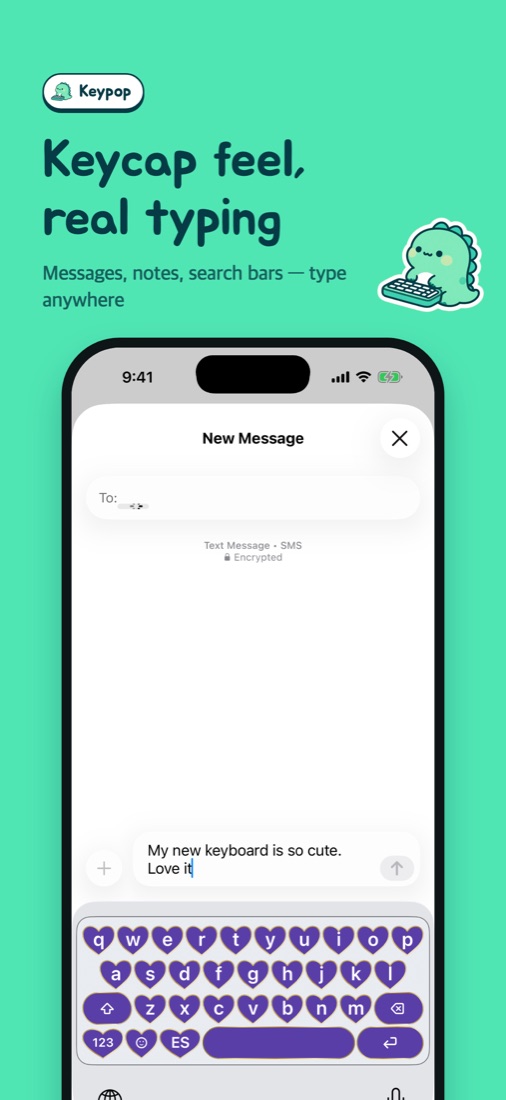
A lot of keycap apps are basically fidget toys. You tap keys on the screen and hear a click. That wasn’t what she wanted. She wanted the keyboard she texts her friends with to look cute. So Keypop had to be a real keyboard that you install on your phone.
That made the project a lot bigger than I expected. The iPhone keyboard is written in Swift, the Android one in Kotlin, and all the designing happens in one app. The keyboard simply reads whatever you saved there.
Typing had to feel right
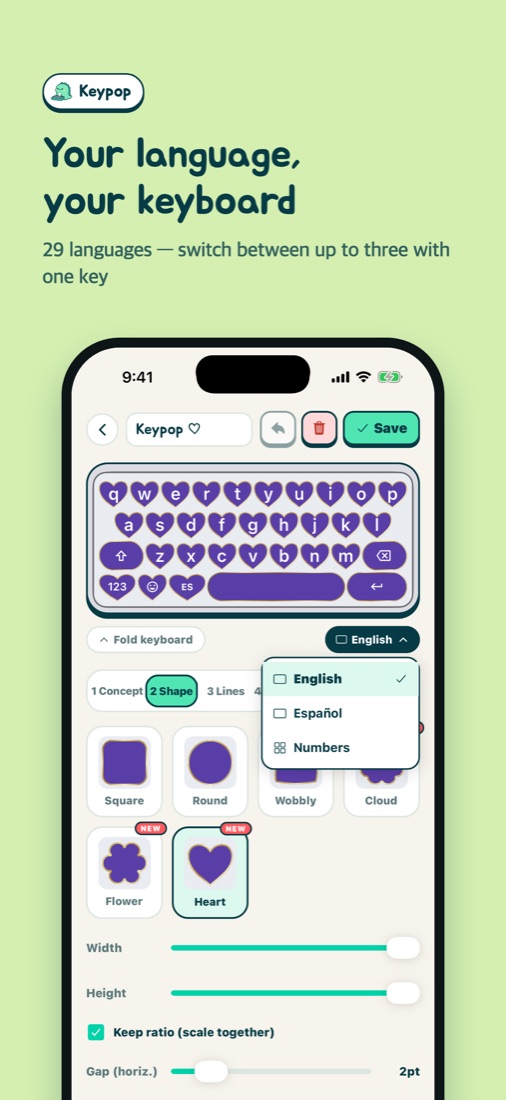
A pretty keyboard is useless if typing feels off. I wrote the typing engine separately for each platform and kept testing them against the same list of cases until they all behaved the same. Keypop now supports 29 languages. You can pick up to three and switch with one key, and you hold a letter to get accents.
Keypop
Honestly, the fastest way to get it is to type with it
I threw away my own themes
The first version had themes I designed, and you picked one. Then people started asking for completely different things. Hearts. Their own photos. Just a quieter sound. I couldn’t possibly make enough themes for everyone.
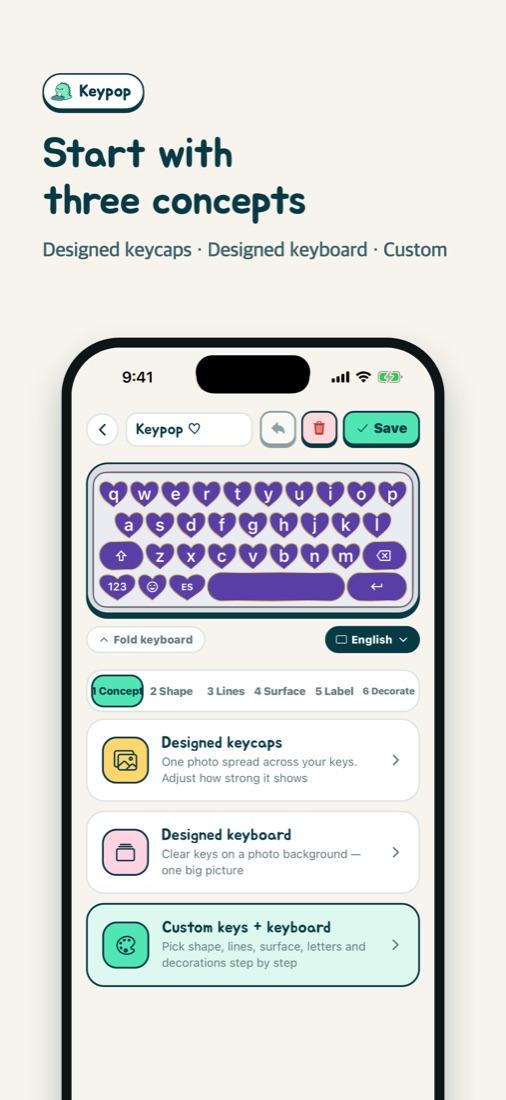
So in version 1.0.3 I rebuilt it as an editor where you choose the shape, color, outline, background and sound yourself. I wrote up how it works in make your own keycap keyboard.
The part I wouldn’t compromise on
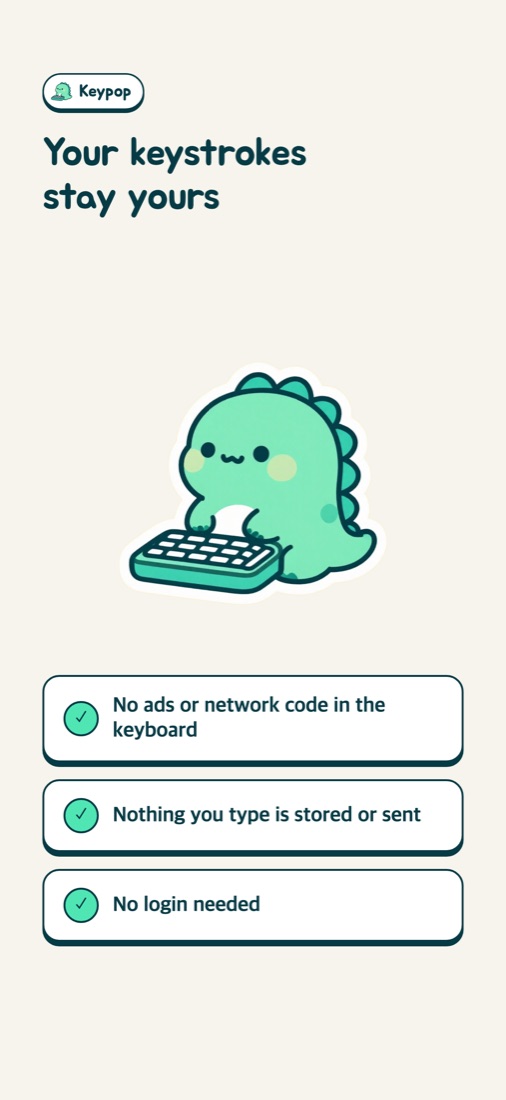
A keyboard sees every letter you type, and this one was going to be used by my kid. So Keypop’s keyboard doesn’t store what you type and doesn’t send it anywhere. There are no ads and no network code inside the keyboard at all, and there’s no login.
If the “Allow Full Access” warning made you nervous, I explain it in is Allow Full Access safe?
Now it’s something people make together
You can post your keyboard to the Market. If you heart someone else’s, it goes into your favorites and you can apply it right away. We also just started a monthly keycap contest, and whoever gets the most hearts wins lifetime Keypop Plus.
Keypop
Make one and enter this month’s contest
There’s still plenty I want to fix and add, and I’ll keep writing about it here. If you’re setting it up for the first time, this guide walks you through it.
Found something annoying? Tell me through Contact in the app’s Settings or the support page. I read all of it.
Keypop
Free · no login needed
More posts
How to Customize Your iPhone Keyboard with a Cute Keycap Theme (iOS Setup)
Make Your Own Keyboard from a Photo (Heart and Cloud Keycaps Included)
How to Change Your iPhone Keyboard Sound to a Mechanical Keyboard Click
Is It Safe to Allow Full Access for a Keyboard App on iPhone?